
Install a FiveM Server on Windows
Guide to installing FiveM Server with txAdmin
- 1Step 1
Install XAMPP
HeidiSQL is optional, you can install XAMPP only. Install XAMPP From https://www.apachefriends.org/download.html. After, open XAMPP and start 'Apache' and 'MySQL'.

- 2Step 2
Download Artifacts
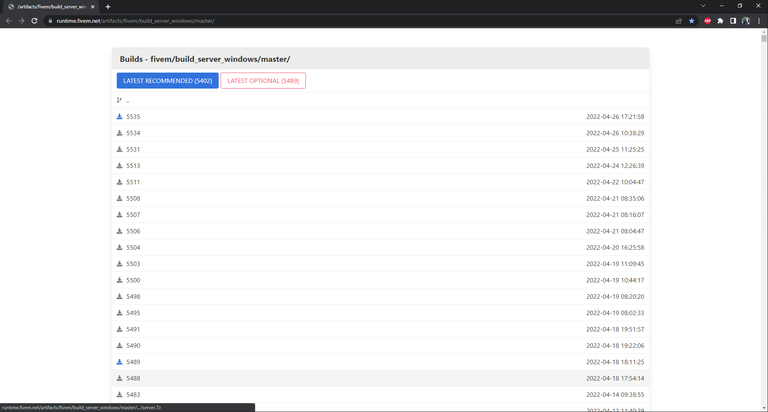
Download the 'Latest Recommended' Artifact FiveM From Here and extract them to a new folder.
- 3Step 3
Run FXServer
Double click on FXServer.exe to run it. Once loaded, it should open a web browser page.
# PowerShell (as Administrator): let players through Windows Firewall
New-NetFirewallRule -DisplayName "FiveM TCP" -Direction Inbound -Protocol TCP -LocalPort 30120 -Action Allow
New-NetFirewallRule -DisplayName "FiveM UDP" -Direction Inbound -Protocol UDP -LocalPort 30120 -Action Allow
New-NetFirewallRule -DisplayName "txAdmin" -Direction Inbound -Protocol TCP -LocalPort 40120 -Action Allow
- 4Step 4
Setup txAdmin
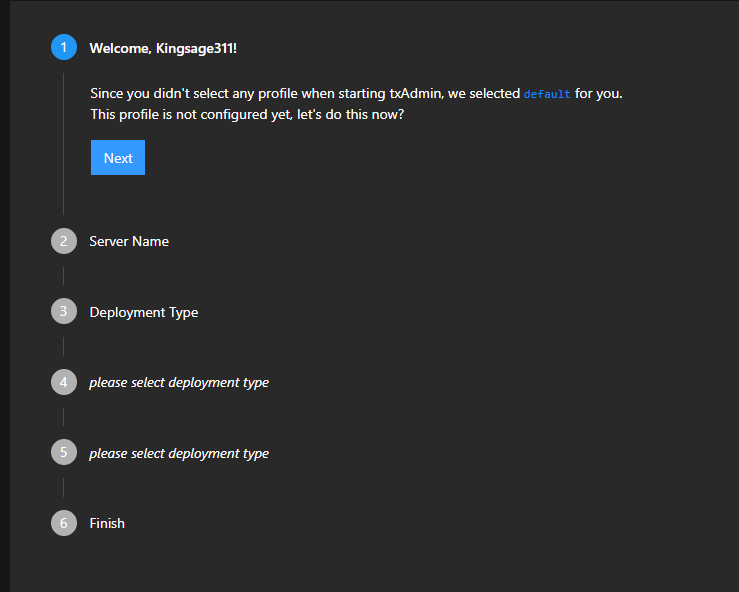
After you link your FiveM account, which it should do automatically, make a password. Then you will be greeted with steps.
- 5Step 5
Select Template
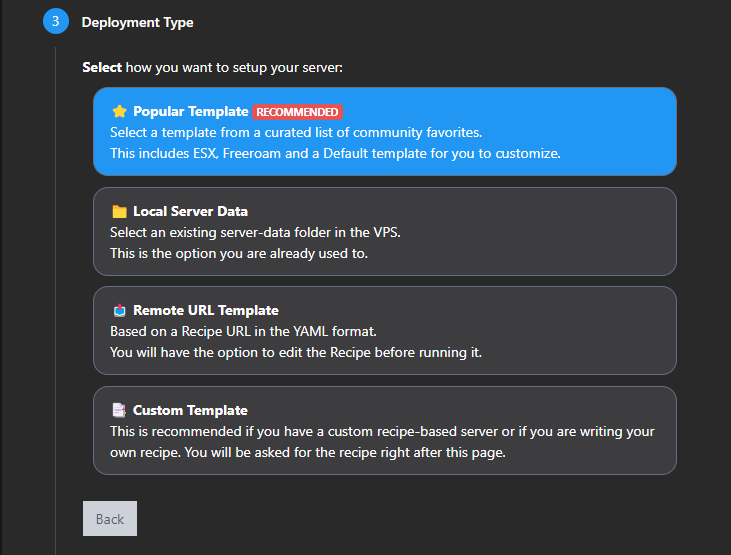
When you get to step number 3, click 'Popular Template' then select a template ( I select 'QBCore Framework' ).
- 6Step 6
Select Data Folder
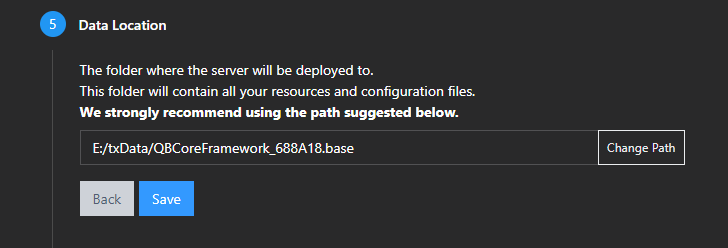
Select a folder you would like to store your server data in.
- 7Step 7
Next Step
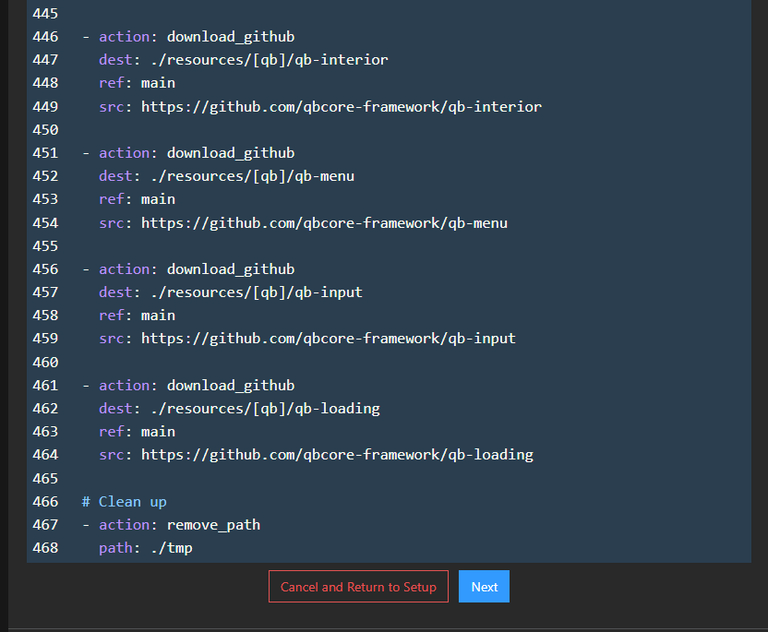
Scroll to the bottom and click 'Next'.
- 8Step 8
Enter Key
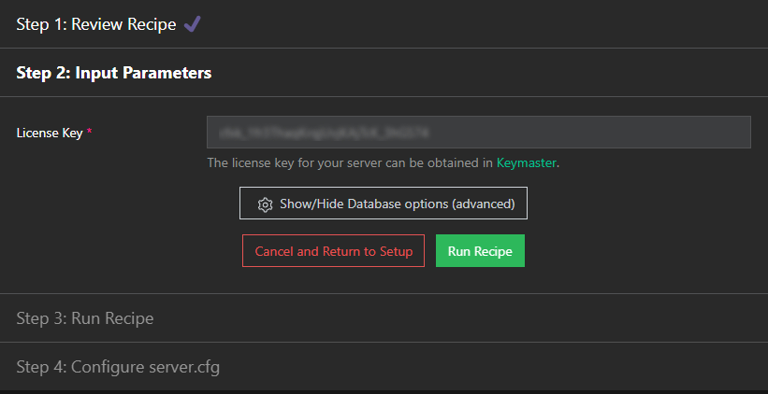
Paste your Keymaster key where prompted.
- 9Step 9
Run Recipe
Then click 'Run Recipe'. Let yarn install all the way through on the initial startup.

Frequently asked questions
Which artifact build should I download?
Pick the build marked recommended on the artifacts page. The latest build has new features first, but recommended has been tested more and suits a live server.
Do I need XAMPP?
Only for the database. XAMPP is a quick way to get MySQL or MariaDB on Windows; you can also install MariaDB on its own, which uses fewer resources.
How do I update the server later?
Stop the server, download the new artifact zip and replace the files in the server folder. Keep txData and resources; they hold your settings and scripts.
Players cannot connect but the server is running. Why?
Usually Windows Firewall blocks port 30120. Allow it for both TCP and UDP, and allow TCP 40120 if you open txAdmin from another computer.
Run this guide on a ready server
Need a server for this guide? FiveM server hosting from SNG comes with txAdmin, OneSync and DDoS protection, and the SNG CDN for FiveM delivers your server files to players from inside Saudi Arabia.
Related FiveM guides
Steps didn't work for you? Our support team is available around the clock.